
WhatsMax
Omnichannel Messaging, Marketing & AI Chatbot SaaS Platform — built with Next.js
💬 Omnichannel Inbox
One shared team inbox for WhatsApp, Messenger, Instagram, Telegram, WeChat, SMS and email — with assignment, labels, notes and reports.
📣 Campaigns & Broadcasting
Send bulk WhatsApp, SMS and email campaigns to targeted contact segments, with delivery funnels and campaign analytics.
🤖 AI Chatbots & Knowledge Bases
Build AI chatbots on OpenAI, Anthropic or Gemini, ground them in your own knowledge bases (RAG) and let them auto-reply in the inbox.
⚡ Visual Automations
Drag-and-drop automation builder with triggers, conditions and actions — plus AI-assisted automation generation.
📅 Social Media Planner
Compose, schedule and publish posts to Facebook, Instagram, LinkedIn, TikTok, X (Twitter) and YouTube from one calendar.
🛒 E-commerce Sync
Connect Shopify, WooCommerce and BigCommerce stores — sync orders and products, recover abandoned carts via messaging.
💳 SaaS Billing Built In
Sell subscription plans through 13+ payment gateways including Stripe, PayPal, Paddle, Razorpay, Paystack and Mollie.
🏢 Multi-Tenant Workspaces
True multi-tenant SaaS with workspaces, team roles, white-label options and a full super-admin panel.
🔌 REST API & Webhooks
Scoped REST API tokens, signed outgoing webhooks and a click-to-chat website widget for deep integration with your stack.
Documentation at a Glance
| Section | What you will find |
|---|---|
| Getting Started | What WhatsMax is, server requirements and the full CLI installation walkthrough. |
| Production Deployment | Running the web app and worker under PM2, the scheduler in cron, behind Nginx with SSL. |
| Integrations | Connecting WhatsApp, social networks, payment gateways, AI providers, e-commerce stores, SMS and email. |
| Platform Guide | Every screen in the app — inbox, contacts, campaigns, automations, chatbots, social planner, leads, reports and the REST API. |
| Admin Panel | Clients, plans, gateways, branding, staff permissions, health checks and your license. |
| Reference | FAQ, troubleshooting, changelog and third-party credits. |
What it looks like
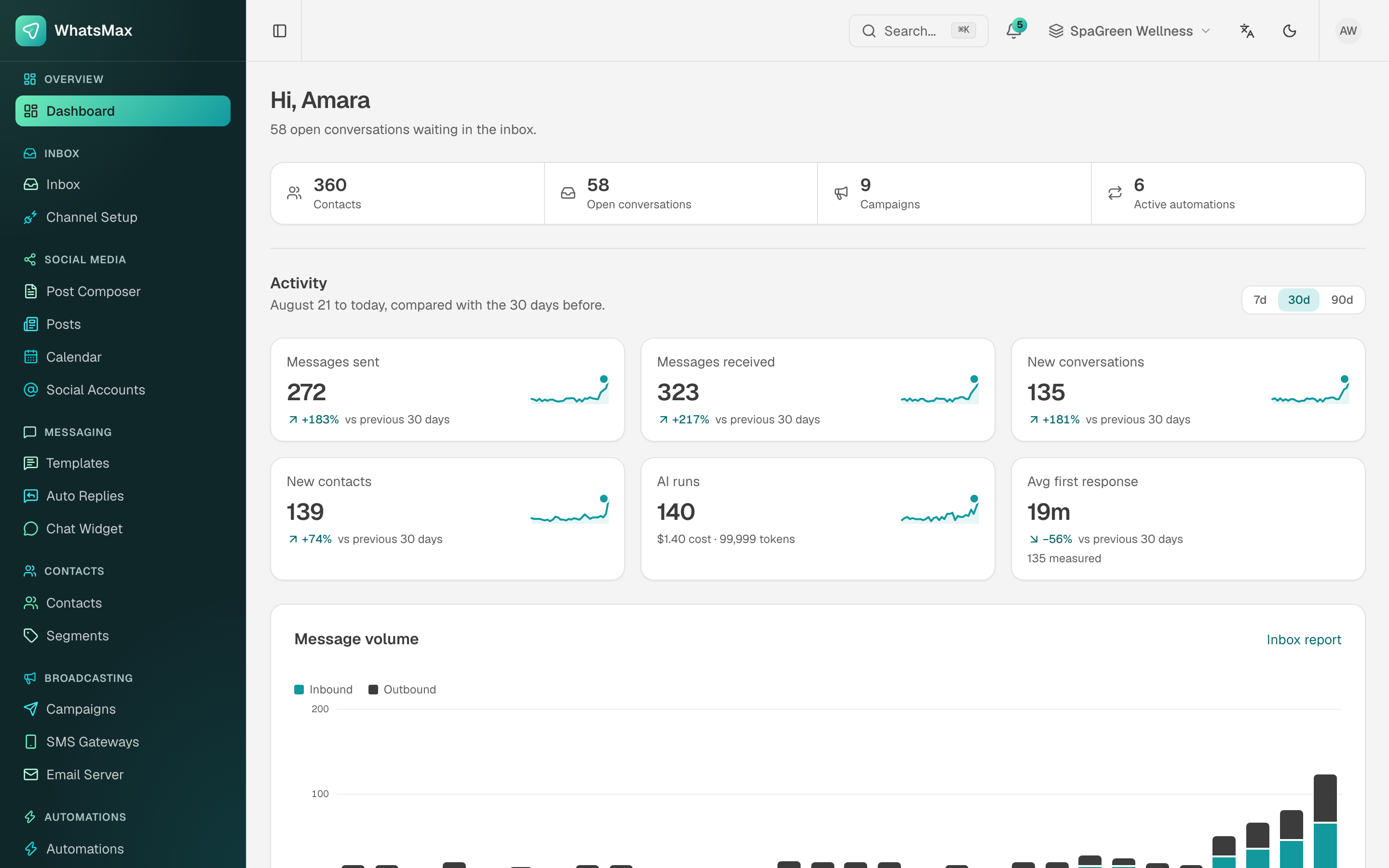 The workspace dashboard your customers land on.
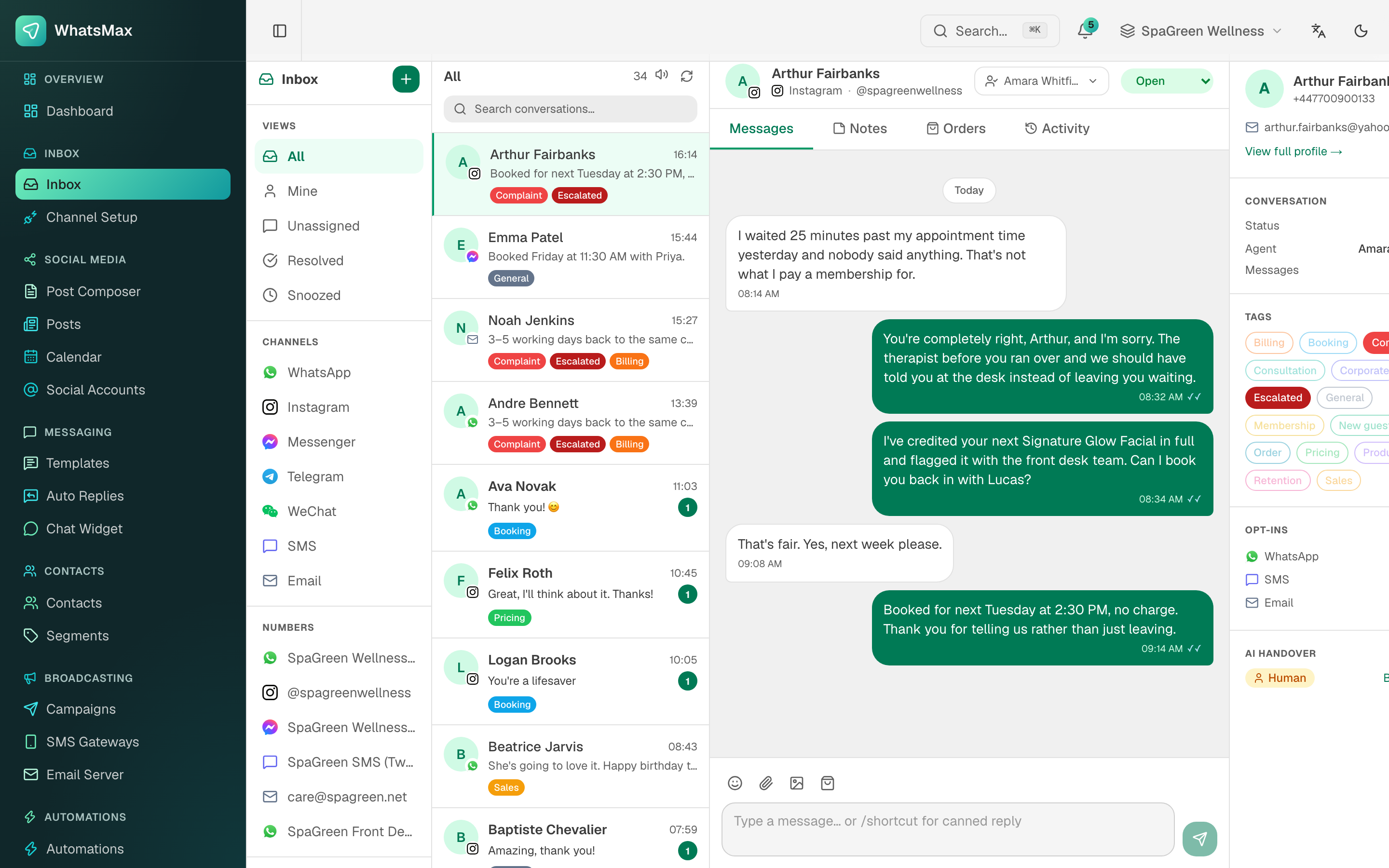 One shared inbox for every channel, with contact context and AI handover.
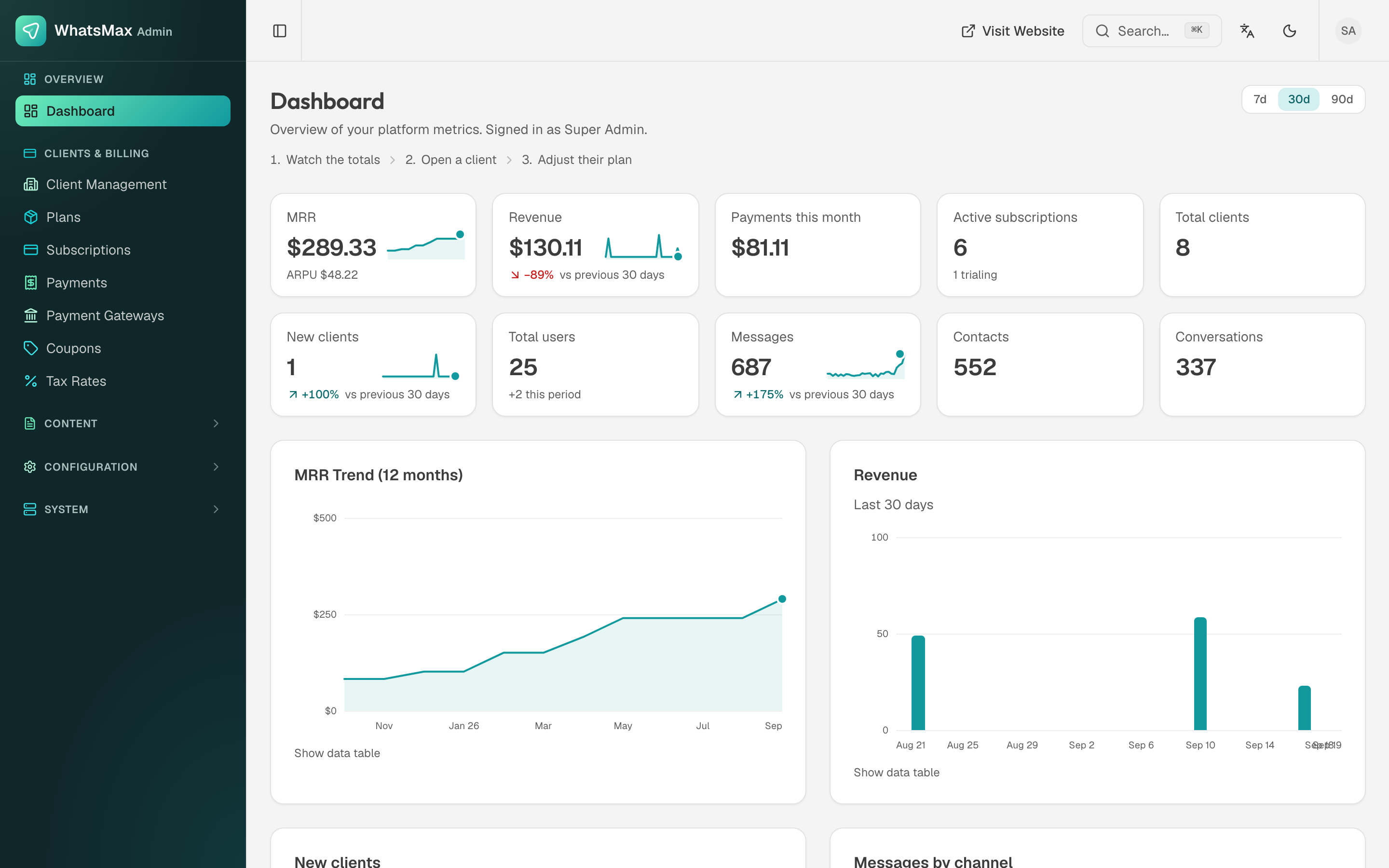 Your side of the platform — revenue, subscriptions and activity across every tenant.
Need help?
Start with the Troubleshooting page and the FAQ. If you are stuck, contact support through your purchase page — please include your server details and the exact error message.