
License Activation & Updates
Your purchase includes a license code that activates the product and unlocks one-click updates.
Activating
- Log in to the admin panel and open System → License.
- Enter your purchase code (from your CodeCanyon downloads page: Downloads → your item → License certificate & purchase code).
- Click Activate. The server verifies the code with the license service and stores the activation.
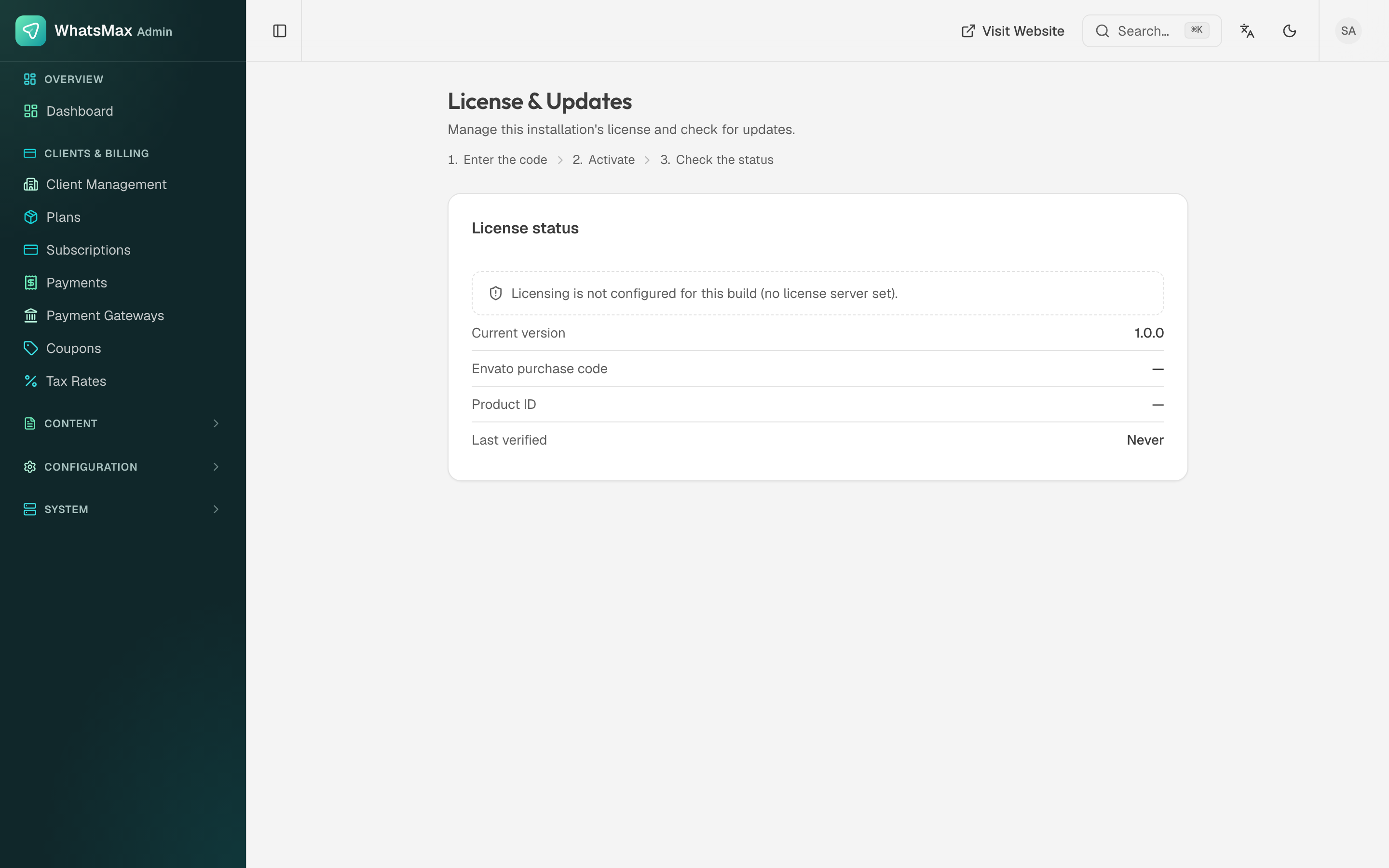 The license screen — activation status and available updates.
What activation gives you
- Verified installation tied to your purchase.
- Update checks — the license page shows when a new version is available, with its changelog.
- One-click updates — apply updates directly from this screen (see Updating for the full procedure including the post-update rebuild).
Moving servers or domains
Deactivate the license on the old installation (System → License → Deactivate) before activating on the new one. If the old server is already gone and activation on the new one is blocked, contact support with your purchase code to reset the activation.
License terms (Envato)
- Regular License — one production installation where the end product is free for end users. It does not cover charging your users.
- Extended License — one production installation where you charge end users (the normal case for running WhatsMax as a paid SaaS).
- Test/staging installations that are not publicly used do not count as additional installations.
Refer to the Envato license terms for the authoritative text.