
Media Library
Developer → Media is the workspace's file store: everything uploaded for messages, templates, campaigns and social posts lives here and can be reused instead of re-uploaded.
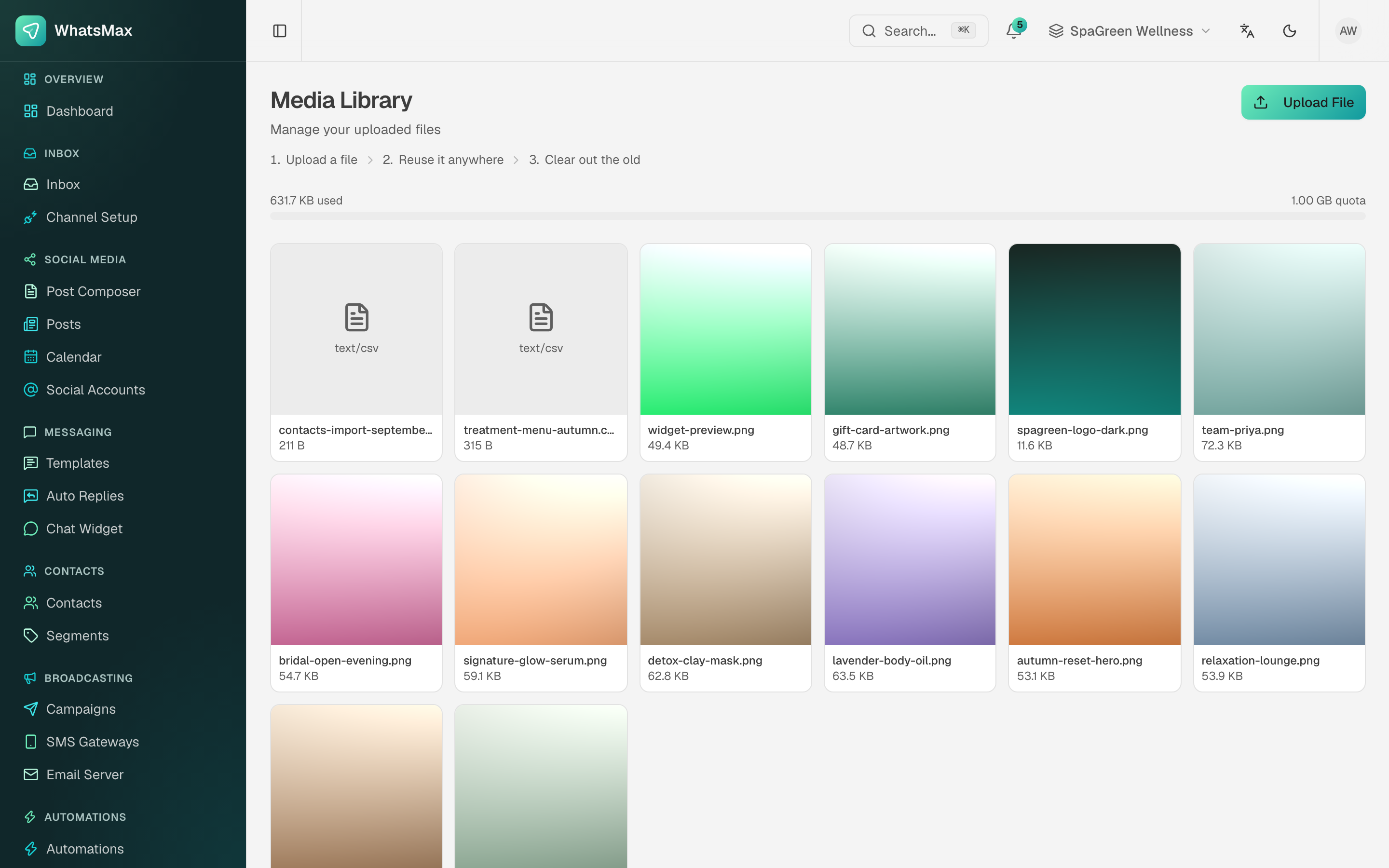 Uploaded files with a live quota bar.
Using it
- Upload File adds images, video, audio, PDFs and CSVs.
- Anywhere a file is needed — the inbox composer, a template header, a social post, a campaign — you can pick from the library rather than uploading again.
- The bar at the top shows used vs quota. The quota comes from the workspace's plan, so it is one of the limits you set when you design your pricing tiers.
Where the files actually live
That depends on STORAGE_DRIVER in .env:
| Driver | Files go to | Notes |
|---|---|---|
local | Disk on the app server | Fine for a single server. Back it up with the database. |
s3 | Amazon S3 or any S3-compatible service | Required if you run more than one app server. Set AWS_ENDPOINT for DigitalOcean Spaces, MinIO or Cloudflare R2. |
See Configuration → File storage.
Deleting is permanent
Removing a file from the library deletes it from storage. Anything already sent keeps working (the recipient has their copy), but a template or scheduled post still pointing at that file will fail at send time.